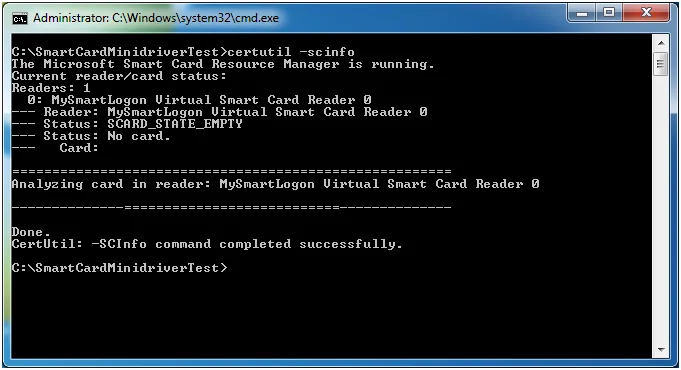
Test the presence of a minidriver or a CSP
The diagnostic command
Run the following command to test whether a minidriver or CSP is present for your smart card:
certutil -scinfo
Positive result — driver found
If a minidriver or CSP is present, the Card field will be filled with the name of the smart card.
Note: The message "Missing stored keyset" is normal and simply means the smart card is empty (no key pair or certificate enrolled yet).
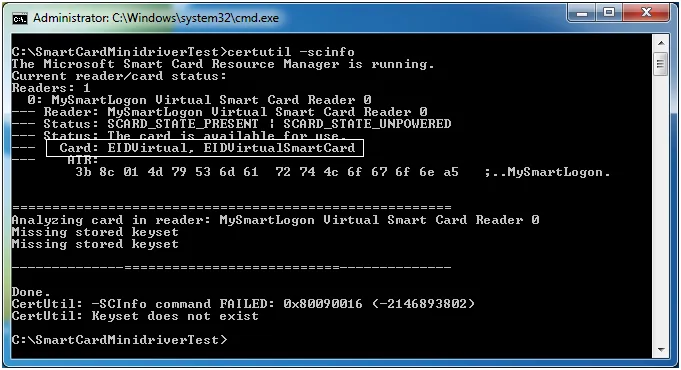
certutil -scinfo — driver found, Card field populated
Negative results — no driver or other issues
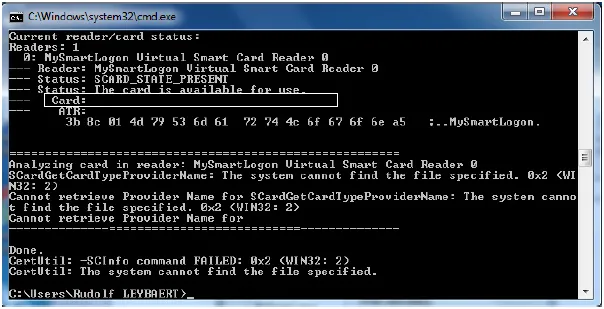
No driver — Card field empty
If a smart card is present but has no minidriver or CSP, the Card field is empty:
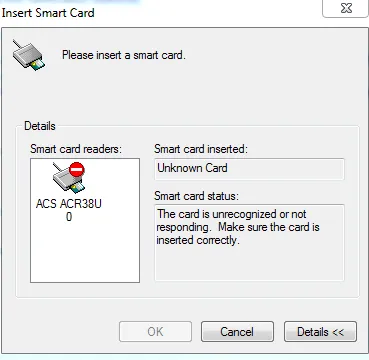
Applications requiring a smart card may also show this dialog:
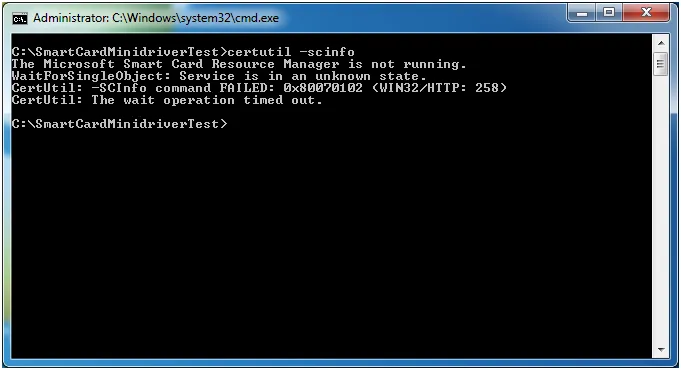
Smart card resource manager not running
No smart card in reader