Authentication · Stand-alone computers
EIDAuthenticate
Smart card logon for stand-alone computers and local accounts — no domain controller required.
30-day full-featured trial · no credit card required
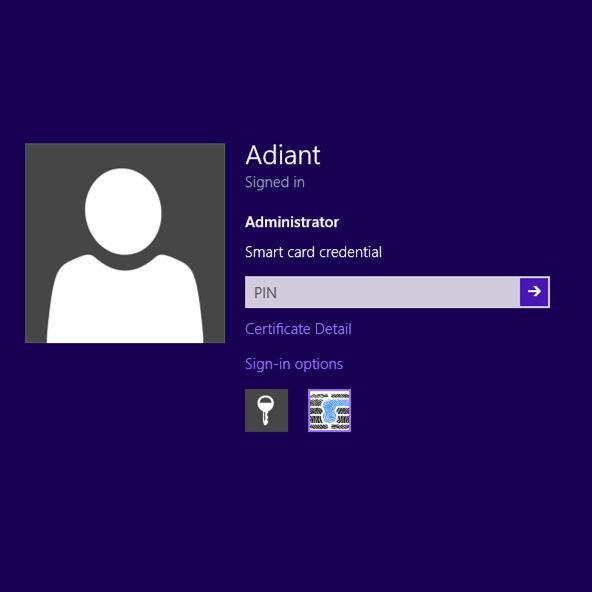
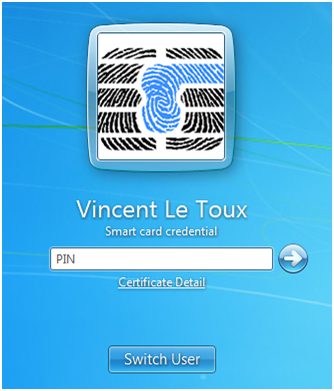
EIDAuthenticate is the solution to perform smart card authentication on stand-alone computers, or to protect local accounts on domain-joined computers. Built by certified security experts, it respects the deep internal security mechanisms of Windows and offers a user-friendly interface.
Operating system
- Windows XP / Server 2003 or later
- A local user account (stand-alone or domain-joined)
Windows XP/2003 supported only on non-domain-joined machines. Remote Desktop (RDP/NLA) is fully supported.
Smart card
A smart card with CSP support or a Windows minidriver is required.
We recommend Gemalto IDPrime (formerly Axalto Cryptoflex .NET). Check your card's compatibility →
Unlike most logon programs that require specific smart card drivers or user-space processes, EIDAuthenticate performs authentication inside the Windows security kernel (lsass.exe). This means even signature-only cards keep your data safe.
EIDAuthenticate is the only solution natively supporting the Windows "Force Smart Card Logon" policy — used to secure local administrator accounts in data centers and to comply with HSPD-12.
Detailed sequence, for screen readers and when animation is reduced:
- Detection — the credential provider detects the inserted smart card.
- Read & certify — the credential provider reads and certifies the smart card.
- The user enters their PIN in the credential provider.
- CredProtect(PIN) + card reference are passed from the credential provider to the LSASS security package.
- Read — the security package reads the certificate from the smart card.
- Certificate checks are performed by the security package.
- Challenge sent from the security package to the private key on the smart card.
- Response returned from the private key to the security package.
- 9a. Session opened.
- 9b. DPAPI initialisation.
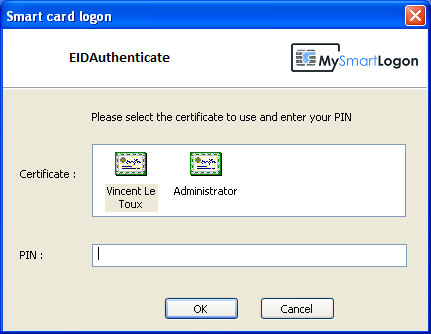
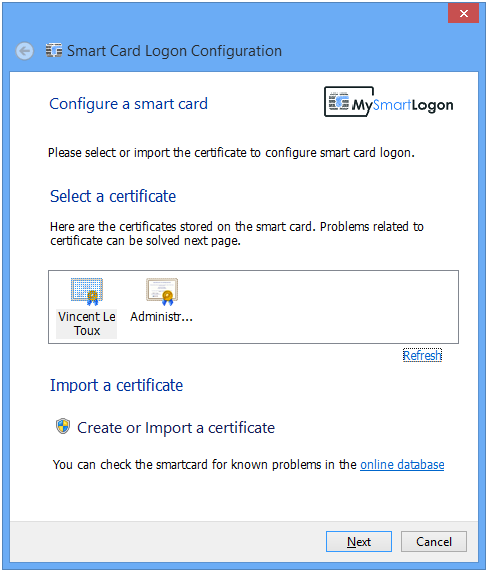
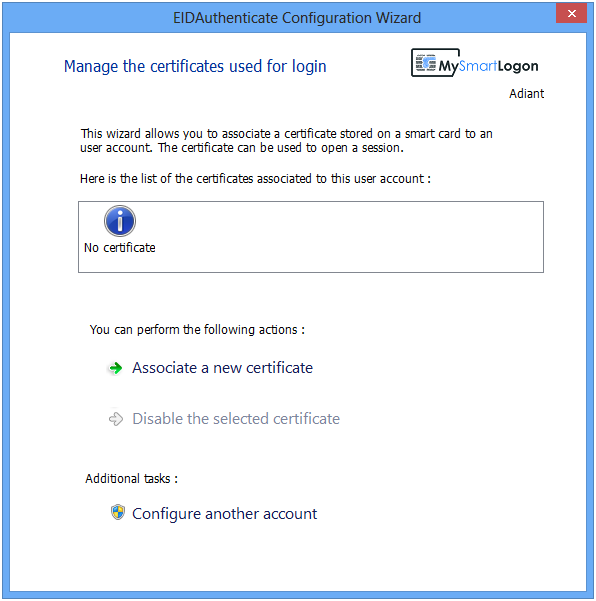
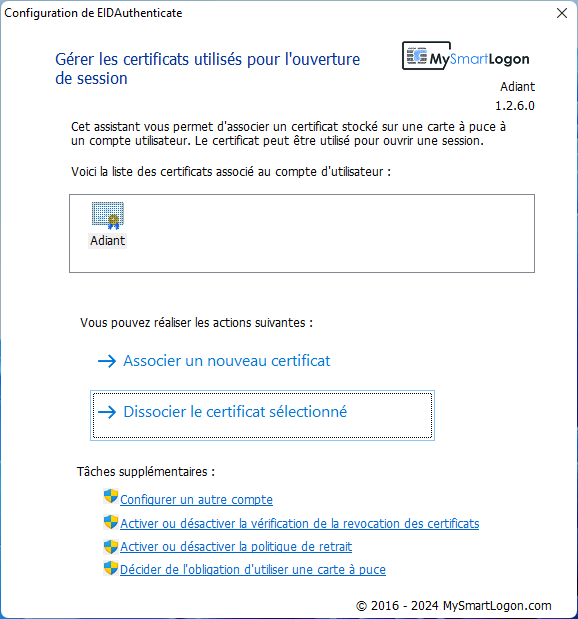
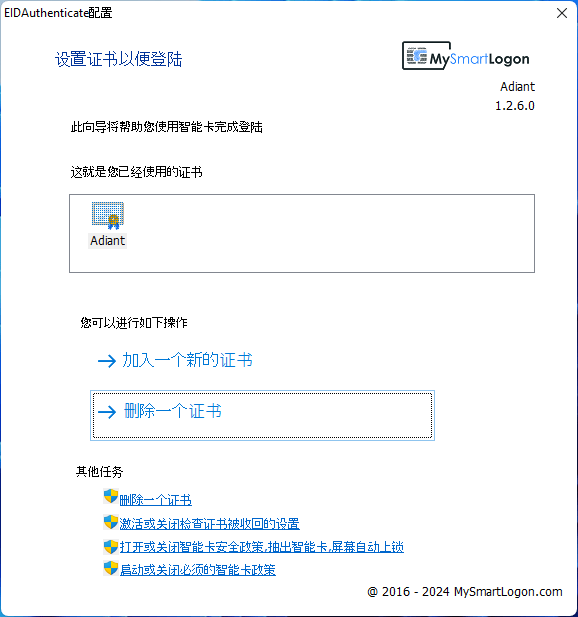
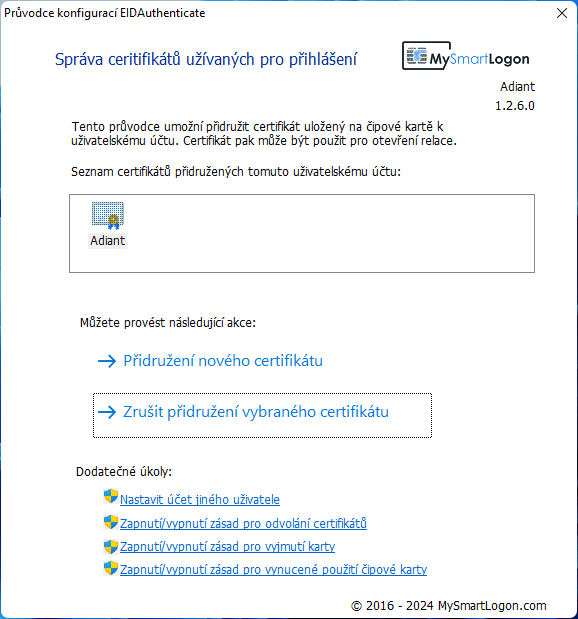
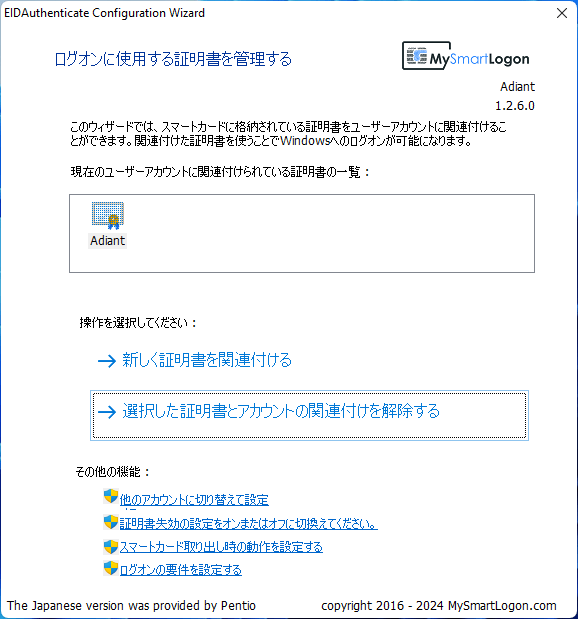
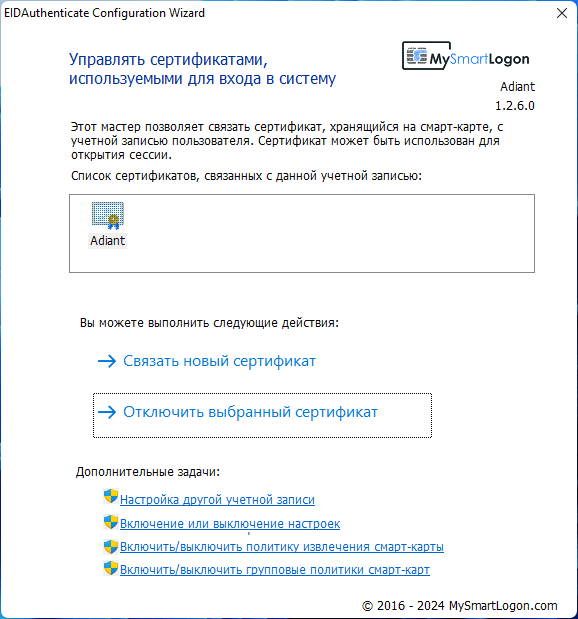
EIDAuthenticate ships with built-in translations for French, Russian, Chinese, Japanese, Czech, and Lithuanian. Click a thumbnail to preview.
EIDAuthenticate comes in two editions: Community Edition (free, for home users on Windows Home editions, based on the 0.5 core) and Enterprise Edition (for organizations and governments, complete rewrite with a secure development lifecycle, based on the 1.0 core).