Authentication · Stand-alone computers
EIDAuthenticate
Smart card logon for stand-alone computers and local accounts — no domain controller required.
Version 2.0 · 30-day full-featured trial · no credit card required
EIDAuthenticate brings smart card logon to the local accounts of Windows computers that are not managed by Active Directory — stand-alone workstations, servers in a workgroup, or local administrator accounts on domain-joined machines. It offers the same guarantees as Microsoft's domain smart card logon, without a domain controller, a directory or an enterprise PKI.
The certificate of a smart card is associated with a local account. At logon, possession of the card and knowledge of its PIN replace the password. Windows builds the same session as for a password logon, so everything that depends on the account secret keeps working: DPAPI, EFS, Credential Manager, network access with the account.
From a smart card to a Windows logon, in about a minute:
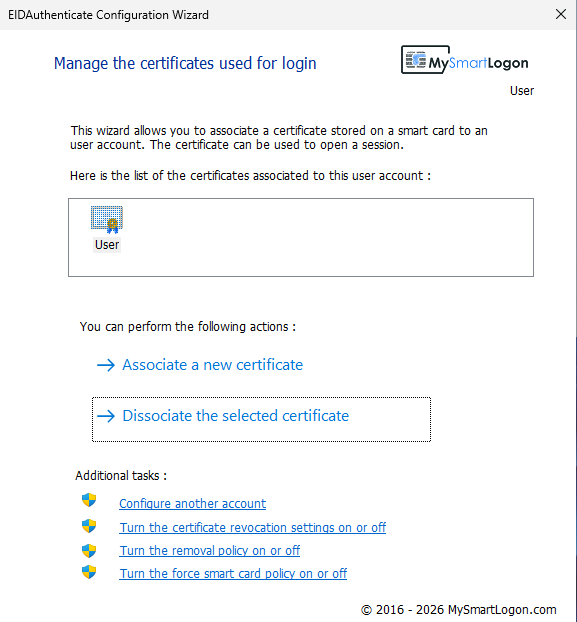
- Open the configuration wizard from the Start menu
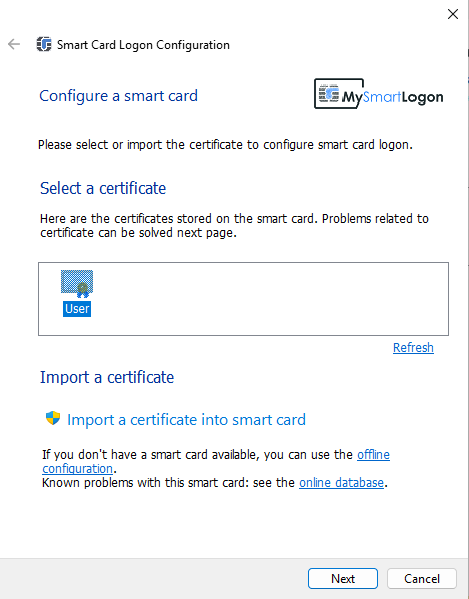
- Create a certificate on the card, or pick one already on it
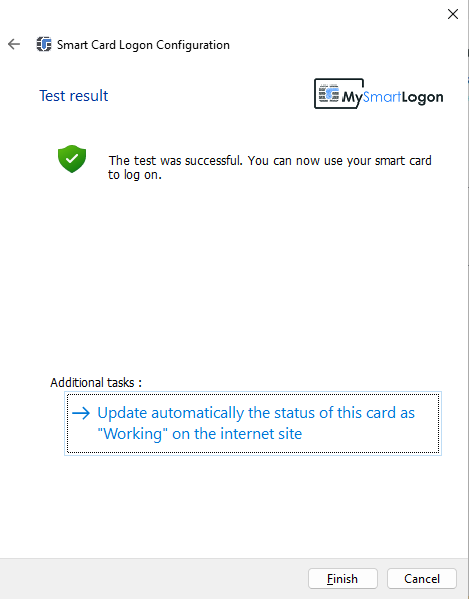
- Confirm the account password once: the wizard then tests the card with its PIN
- Lock the session and sign in with the card and its PIN
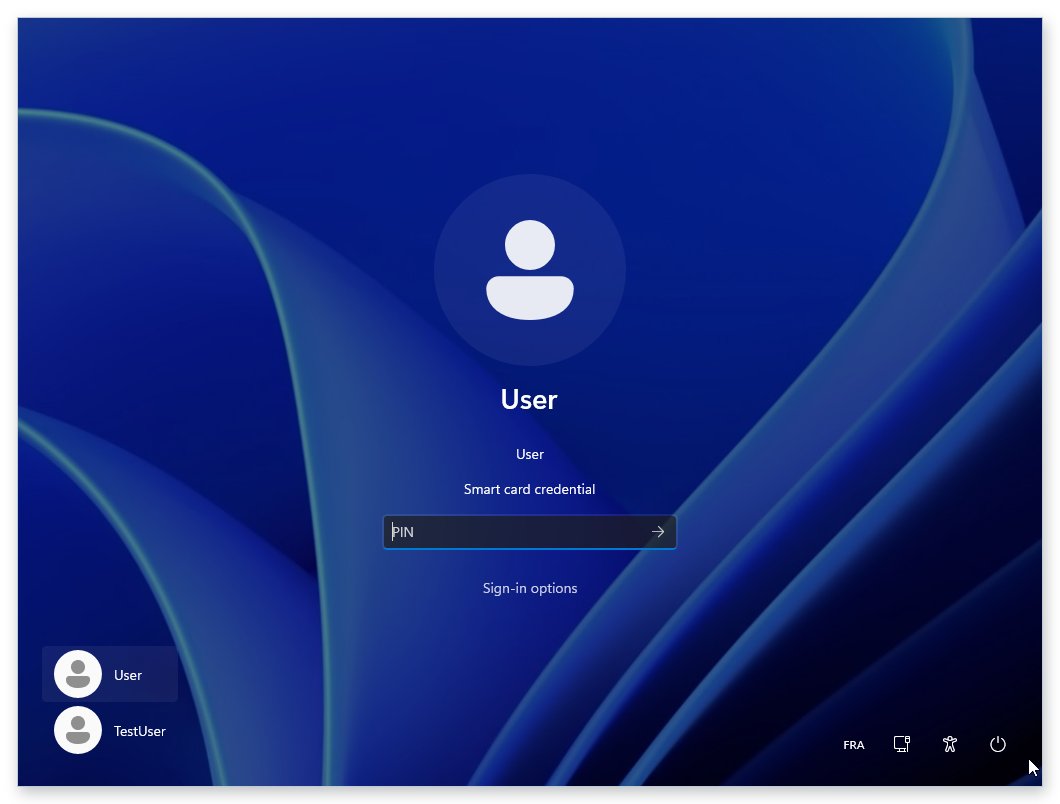
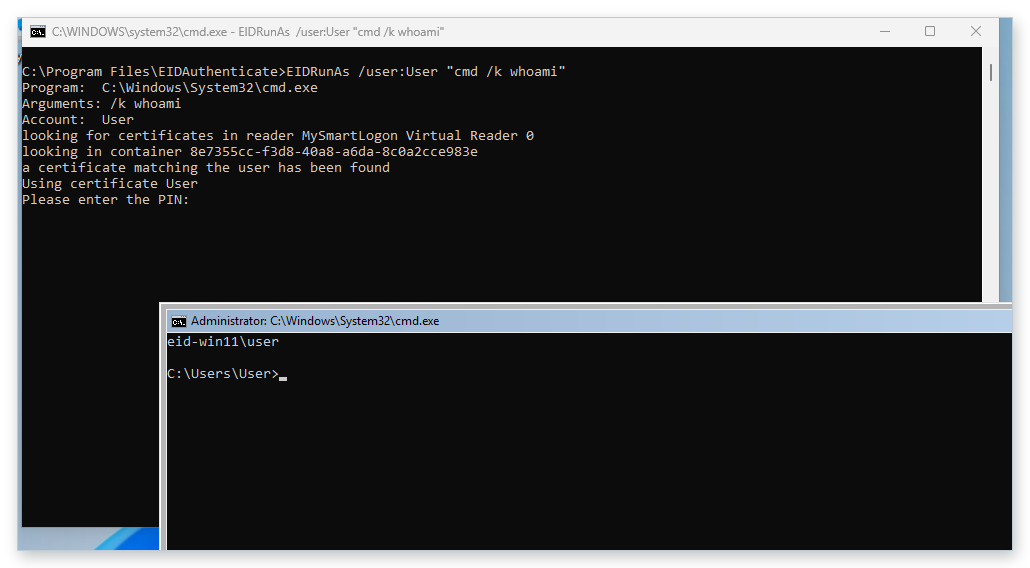
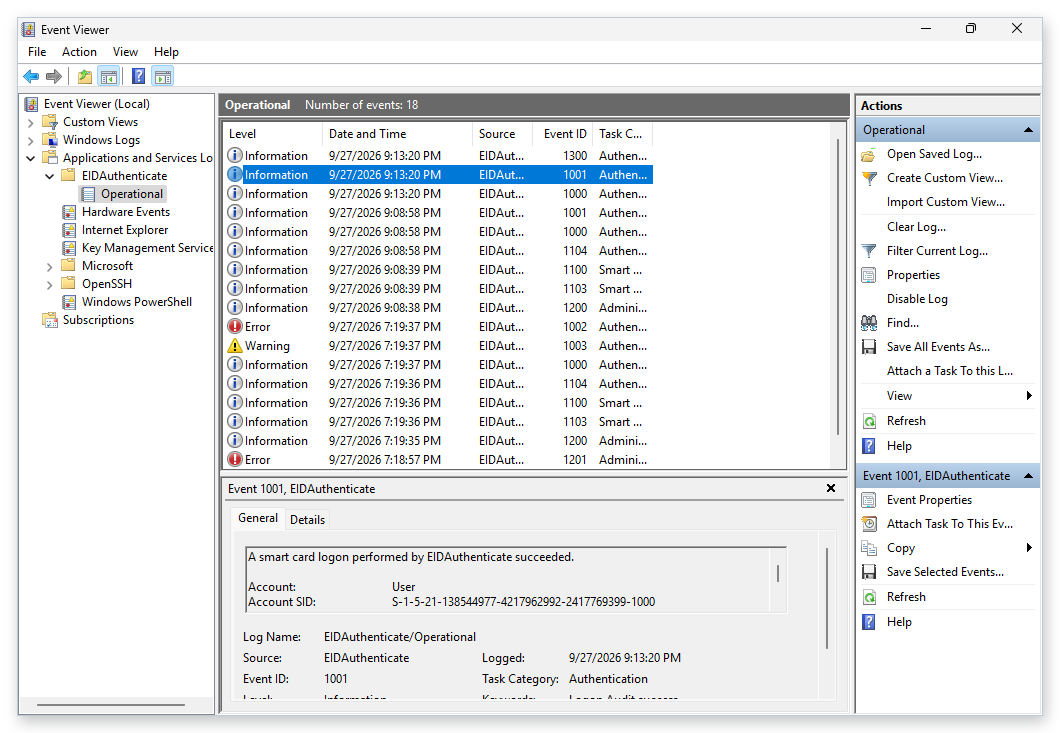
The smart card is not only for the console. Through Negotiate/NegoEx, the card authenticates the user to another computer that runs EIDAuthenticate — with no password typed, and no password sent.
| Scenario | How | What you need |
|---|---|---|
| Remote Desktop (NLA) | CredSSP carrying Negotiate/NegoEx | EIDAuthenticate on both computers; the card associated on the server |
| Remote Desktop without NLA | Smart card redirection, logon inside the session | EIDAuthenticate on the server |
| PowerShell remoting (WinRM) | Negotiate (NegoEx), no CredSSP needed | EIDAuthenticate on both computers; association on both; TrustedHosts in a workgroup |
| File shares (SMB) | Negotiate (NegoEx), kernel path | EIDAuthenticate on both computers, including its kernel package on the server |
| Your own protocols | Any SSPI client using the Negotiate package | EIDAuthenticate on both ends |
Operating system
- Windows 11, Windows 10 — x64 and ARM64: all features
- Windows Server 2025, 2022, 2019, 2016 — x64: all features
- Windows 8.1, 7 SP1 — Server 2012 R2, 2008 R2 (x64): local logon
- Windows XP, Server 2003 and 32-bit editions: use version 1.x
EIDAuthenticate handles local accounts. Domain accounts use the smart card logon built into Active Directory (Kerberos PKINIT).
Smart card
- A card with a Windows minidriver (Microsoft Smart Card Key Storage Provider / Base Smart Card Crypto Provider) or a vendor CSP
- Cards exposing only PKCS#11 are not supported
- A reader supported by the card vendor, typically CCID
No card at hand? EIDVirtual turns a USB key into a smart card that works with EIDAuthenticate.
Unlike most logon programs that require specific smart card drivers or user-space processes, EIDAuthenticate performs authentication inside the Windows security kernel (lsass.exe). This means even signature-only cards keep your data safe.
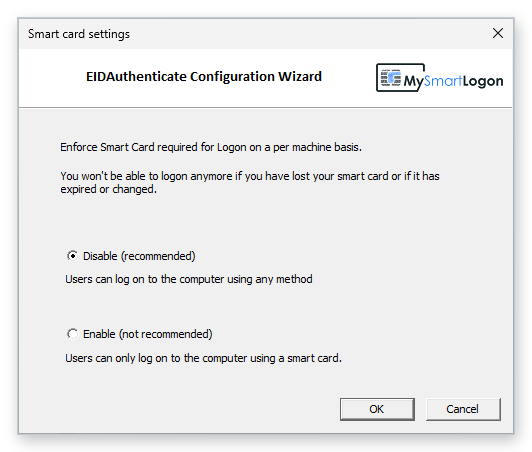
EIDAuthenticate is the only solution natively supporting the Windows "Force Smart Card Logon" policy — used to secure local administrator accounts in data centers and to comply with HSPD-12.
Detailed sequence, for screen readers and when animation is reduced:
- Detection — the credential provider detects the inserted smart card.
- Read & certify — the credential provider reads and certifies the smart card.
- The user enters their PIN in the credential provider.
- CredProtect(PIN) + card reference are passed from the credential provider to the LSASS security package.
- Read — the security package reads the certificate from the smart card.
- Certificate checks are performed by the security package.
- Challenge sent from the security package to the private key on the smart card.
- Response returned from the private key to the security package.
- 9a. Session opened.
- 9b. DPAPI initialisation.
The installer, the logon screen and the tools are available in 10 languages: English, French, German, Spanish, Italian, Czech, Lithuanian, Japanese, Simplified Chinese and Traditional Chinese (Hong Kong). The language follows the display language of Windows.
EIDAuthenticate is the Enterprise Edition, for organizations and governments, developed with a secure development lifecycle — this page describes its version 2.0.