
Clear a smart card which use a minidriver
Step 1 — Download the tool
Download the Minidriver Manager Tool from Gemalto. Although designed for Gemalto cards, this utility is compatible with any smart card that uses a Windows minidriver.
The following example uses a PIV smart card.
Step 2 — Connect the smart card
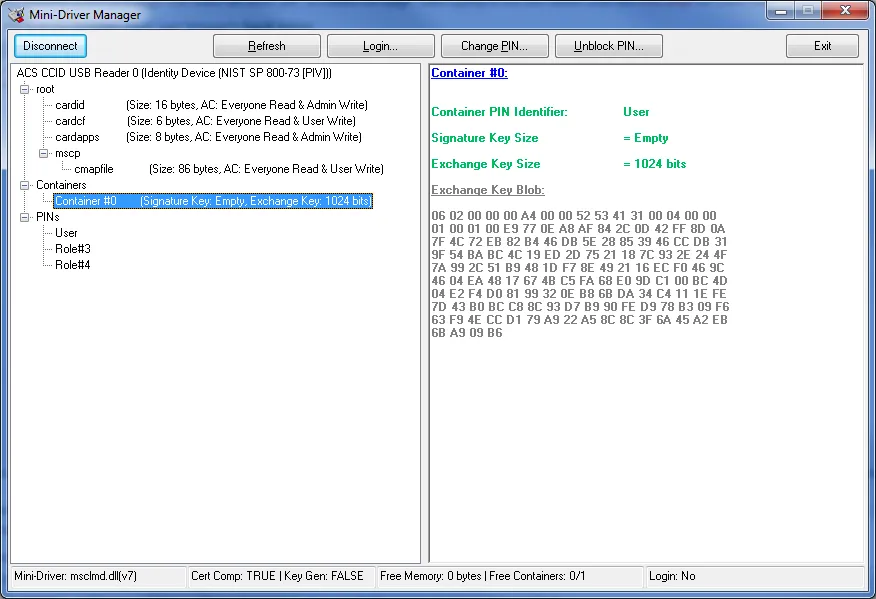
Step 3 — Clear the smart card
In the tool, right-click on each component (Containers or files containing certificates) and select Delete.